Build
The Build section is a cookbook of focused recipes, one per product-sdk package; each recipe takes a single capability and walks you from an empty project to working Product code. They apply no matter how you started: a Quick Start deploy (RevX or CLI) or a project you set up yourself. Pick the capability your Product needs, in any order; the recipes are ordered by how little they ask of you, and the first one requires no account and no tokens.
Full API reference
Each recipe walks one path through a package. For the complete product-sdk surface (every package, class, and method), see the Product SDK API reference.
Set Up Your Project
Every guide assumes a Product project running locally in Polkadot Desktop. The steps below apply no matter how you bootstrapped your Product: a Quick Start deploy (RevX or CLI) or a project created from scratch.
-
Scaffold a project. Any framework that serves on
localhostworks; this example uses Next.js: -
Install the Product SDK:
-
Start the dev server:
-
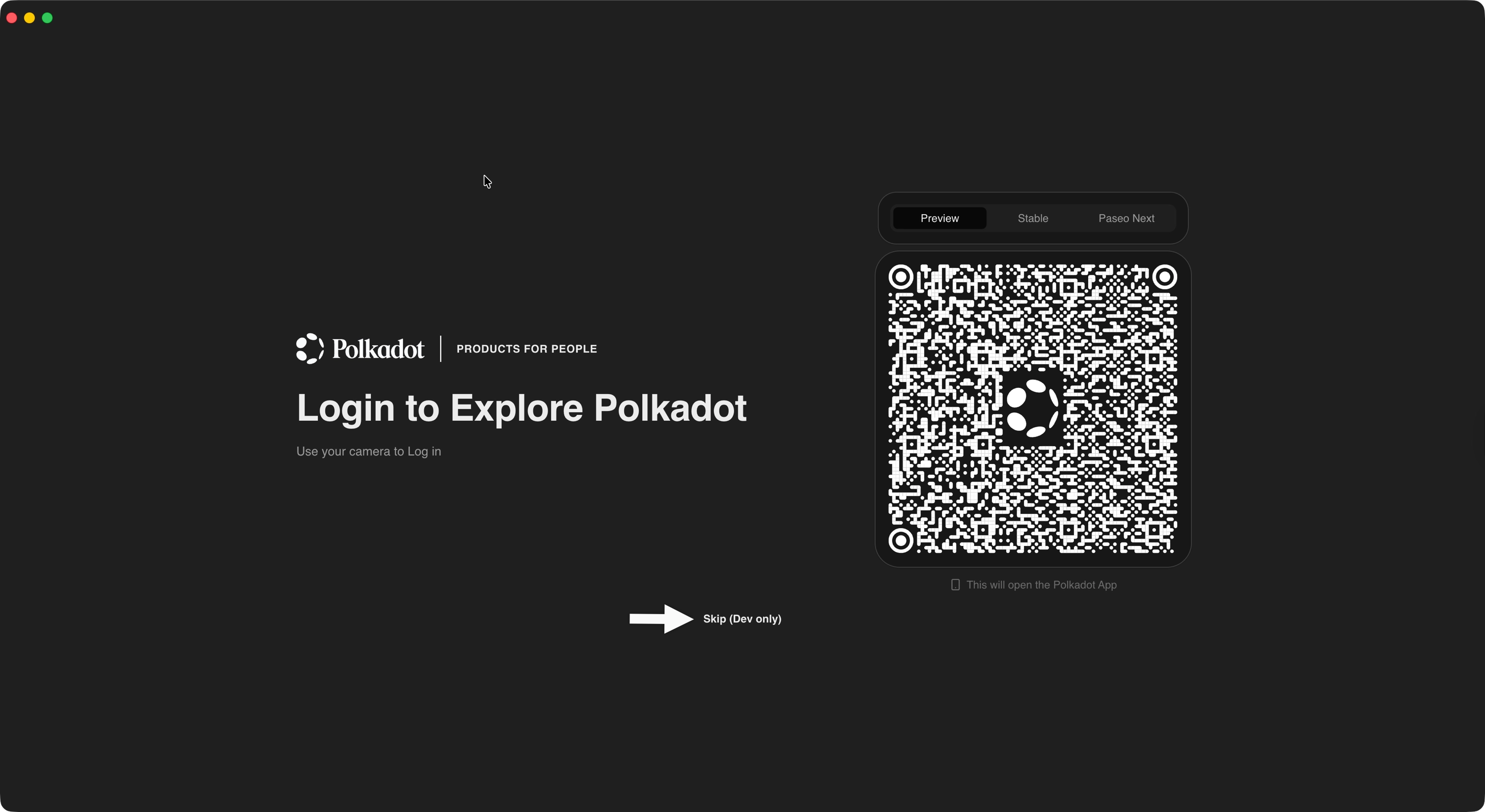
Open Polkadot Desktop and click Skip (Dev only).
-
Type
localhost:3000(or your dev server's port) in the address bar and press Enter.Desktop recognizes
localhostas a whitelisted origin, skips.dotresolution, and loads your Product directly from the local server.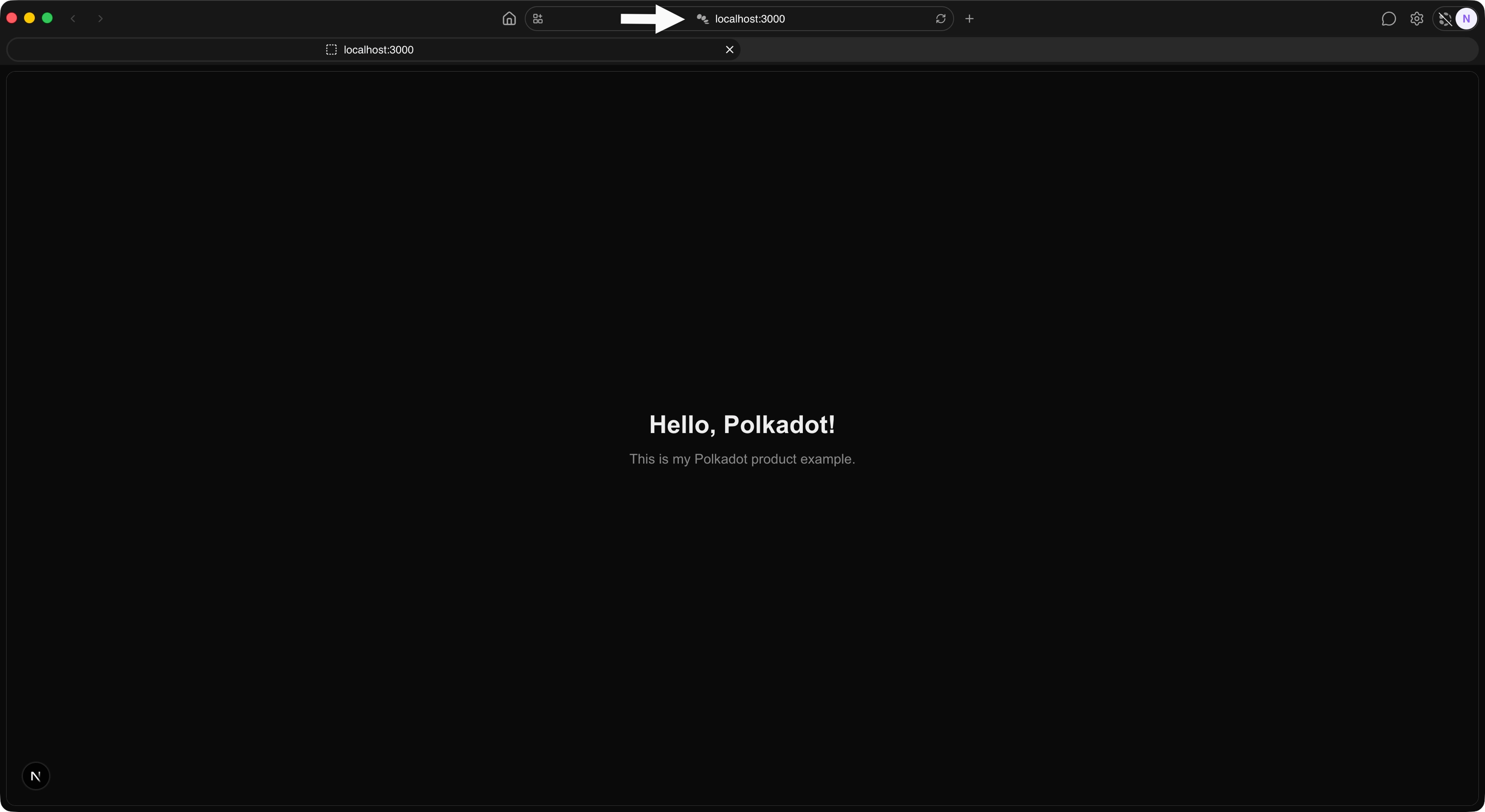
Your Product is now running inside the Polkadot Desktop sandbox, served from your local machine. Live reload works through your dev server's hot module replacement: edit, save, and watch the change appear in Desktop. The sandbox and permission prompts apply exactly as they would for a published .dot Product, and no Proof of Personhood or funds are needed to load from localhost.
Capabilities
-
Beginner Read On-Chain Data
Your Product needs to show live balances, storage, and chain state. Reads are unsigned: no account, no tokens, no infrastructure to run.
-
Beginner Sign and Submit Transactions
Your Product needs to act on chain on the user's behalf. Derive a per-user account and request signatures; every approval happens on the user's phone.
-
Intermediate Store Data on Chain
Your Product needs content that outlives a session: profile photos, published posts, file uploads. Write to the Bulletin Chain and fetch from anywhere by CID.
-
Intermediate Publish and Subscribe to Off-Chain Data
Your Product needs real-time state between users: presence, typing indicators, multiplayer cursors. Signed pub/sub via the Statement Store, no fees per message.
-
Beginner Persist Data Locally
Your Product needs to remember things on this device: preferences, drafts, cached values. Per-Product key-value storage that works inside a Host or in a plain browser tab.
The product-sdk Packages
Each guide is built around one primary package and weaves in utility packages where they are needed. The full source is at paritytech/product-sdk. Here is what each package is for:
| Package | What it does | Guide |
|---|---|---|
chain-client | A typed, host-routed client for reading on-chain storage, constants, and account state across one or more chains, with no RPC infrastructure to run. | Read On-Chain Data |
signer | Derives product-scoped accounts and requests signatures, routing every approval to the user's Polkadot App. Your Product signs without ever handling keys. | Sign and Submit Transactions |
cloud-storage | A high-level client for the Bulletin Chain, Polkadot's content-addressed storage. Uploads and retrieves data by CID, with chunking, manifests, and authorization handled for you. | Store Data on Chain |
statement-store | A pub/sub client for the Statement Store: publish and subscribe to signed, short-lived statements gossiped peer-to-peer off-chain. Ideal for real-time signaling between users. | Publish and Subscribe to Off-Chain Data |
local-storage | A per-Product, per-device key-value store backed by the Host, for preferences, drafts, and cached values that persist across sessions. | Persist Data Locally |
These five anchor the current recipes because their surfaces are stable. Other packages in the SDK (contracts, keys, crypto, host) will get recipes of their own as their surfaces stabilize.
The guides also use these utility packages where relevant:
tx: Builds, signs, and tracks the lifecycle of transactions (used alongsidesigner).address: Encodes, decodes, and validates SS58 addresses.descriptors: Provides typed chain metadata for thechain-clientBring Your Own Descriptors path.host: Provides low-level access to the Host API (for example, the preimage manager used for sponsored uploads).
Umbrella or Individual Packages
Every guide works with either install style; choose based on your needs:
- Umbrella package:
npm install @parity/product-sdk. One dependency that re-exports everything. Convenient when your Product uses several capabilities and bundle size is not a concern. - Individual packages:
npm install @parity/product-sdk-cloud-storage(and so on). Install only what you use to keep your bundle smaller and your dependencies explicit.
Import paths are identical either way, so you can start with the umbrella package and switch to individual packages later as a bundle-size optimization.
| Created: June 16, 2026